AI Face Swap, Made Effortless
Swap faces in seconds with studio‑quality realism—no editing skills required.
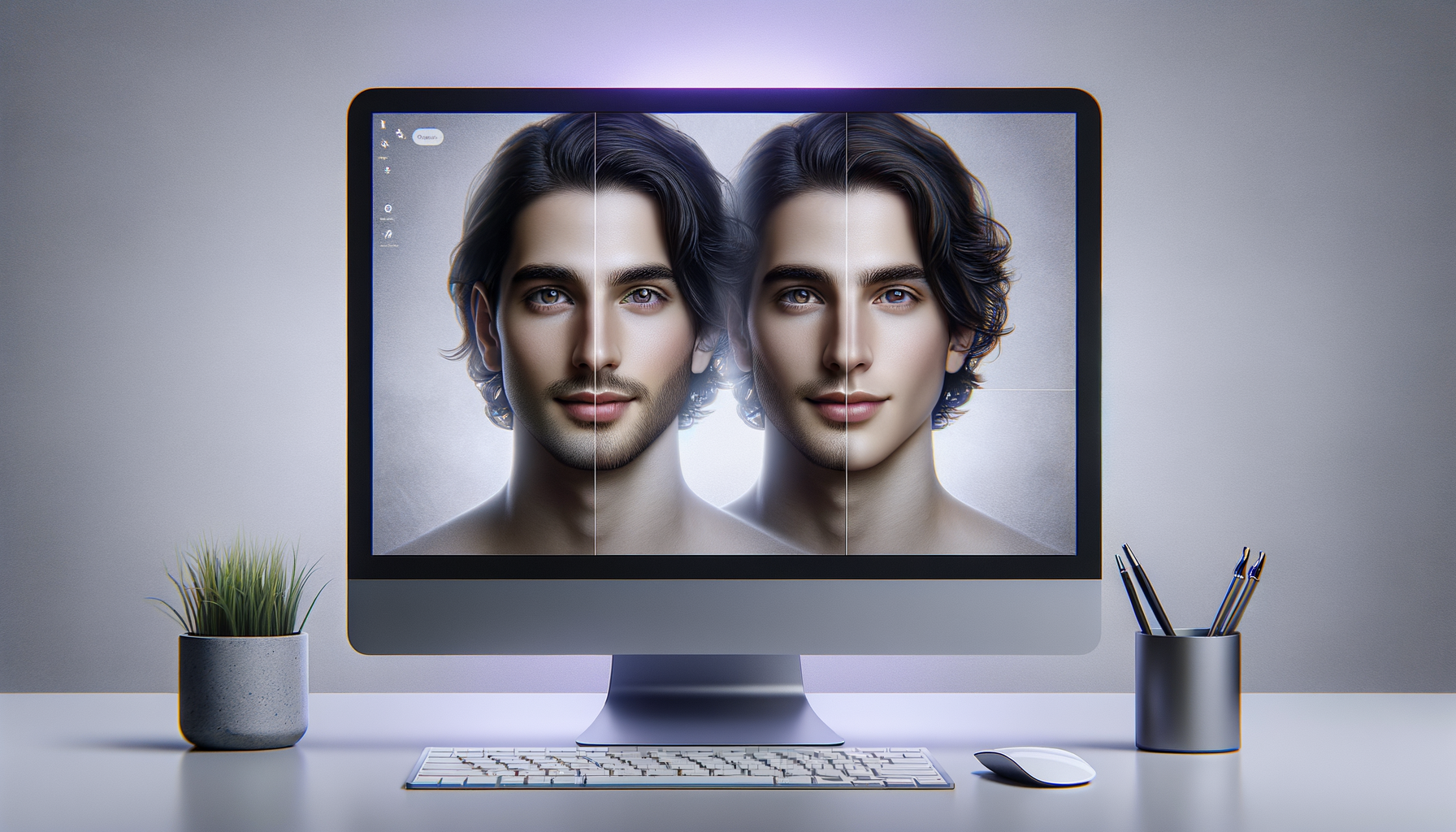
Realistic lighting, skin tone preservation, and clean blends for social, ads, and web.
Playground
Upload a source and target image to preview how fast AI Face Swap works.
How it works
From upload to export in three guided steps.
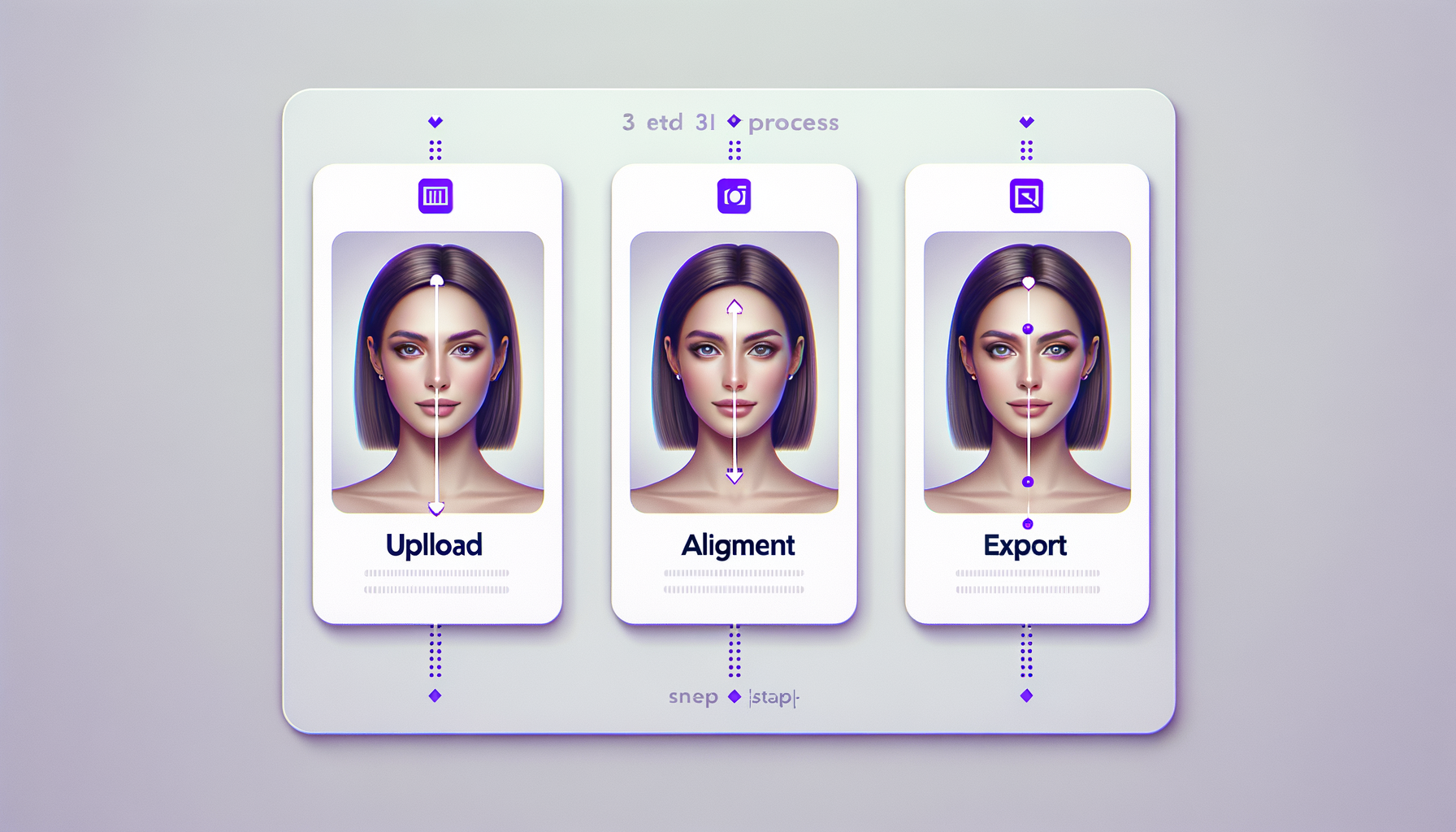
Upload your images
Select a source face and target image. AI Face Swap auto-detects faces instantly.
Adjust and preview
Fine-tune alignment, tone, and mask edges with built-in controls.
Export in high-res
Download studio-quality results ready for ads, campaigns, or social sharing.
Feature highlights
AI Face Swap gives creators, teams, and agencies a fast, controlled workflow.
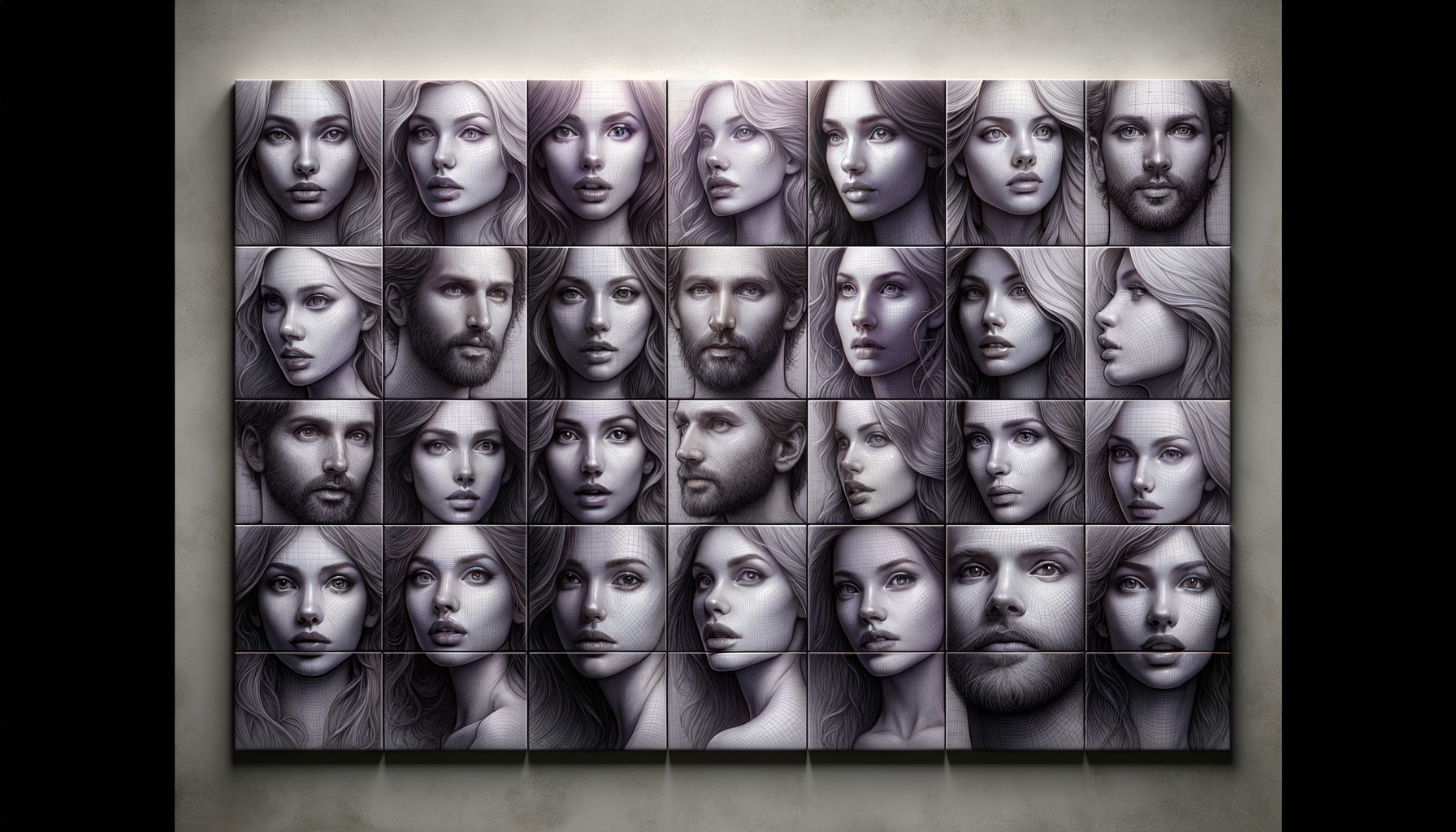
One‑click face detection
Auto‑alignment picks the best match and locks facial landmarks instantly.
High‑fidelity realism
Preserve lighting, skin tone, and textures for authentic results.
Batch processing
Swap multiple images at once to keep campaigns consistent and on schedule.
Privacy-first controls
Local file handling and customizable retention policies keep data secure.
High-resolution exports
Download crisp outputs optimized for social, ads, and web.
Creative presets
Balance realism and style with curated presets for different aesthetics.
FAQ
Answers to the questions teams ask before they start swapping faces.
Is AI Face Swap safe for client work?
Yes. Your files stay private with local handling and optional retention controls.
What image formats are supported?
Upload JPG, PNG, or WEBP in high resolution for best results.
Can I batch process multiple images?
Absolutely. Batch mode accelerates campaigns and consistent outputs.
Does it work for teams?
Yes. Share presets and locked settings across your team for brand consistency.
Related tools
Pair AI Face Swap with these creator-ready utilities.